Mesakem guides
Google Meet summaries without manual note-taking
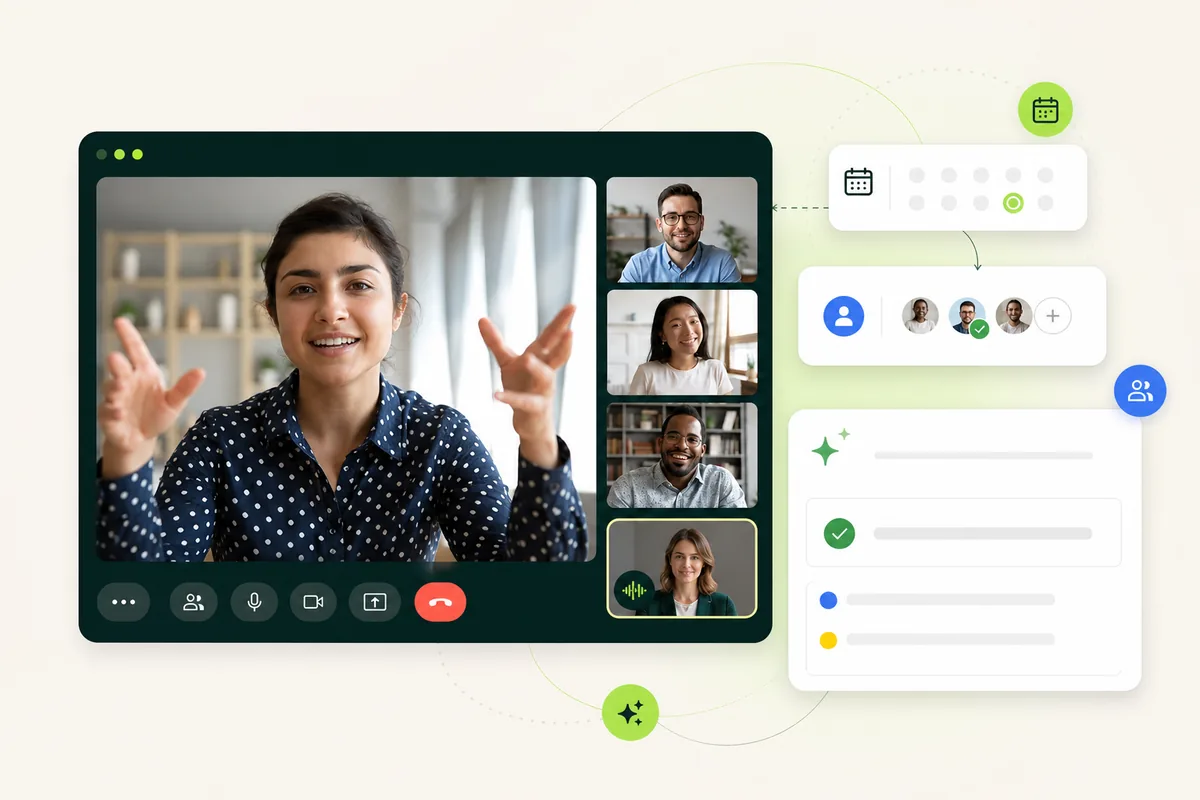
Mesakem joins a Google Meet session as a visible participant and creates a concise record of the topics, decisions, tasks and owners. Teams keep using Google Calendar and Meet as usual, while the organizer remains responsible for admitting the bot when Google requires it to request access.
5 free meetings · No credit card
How do you summarize Google Meet automatically?
Add Mesakem to the Calendar event or enable the supported calendar workflow. If Meet asks the participant to request access, the organizer admits it. After the call, Mesakem organizes the conversation into context, decisions, tasks, owners and unresolved questions.
Four steps to a documented Meet call
Add Mesakem to the event
Invite Mesakem or connect your calendar. The Meet link stays the same.
The host admits it if needed
If Meet does not see the bot as invited, it asks to join and the host lets it in.
The discussion is processed
Mesakem pulls out topics, decisions, next actions and owners, in the language your team spoke.
The team gets the summary
It is saved in the dashboard and sent where you chose, ready to search and share.
What happens in Meet, and what stays afterward
- In the call
A visible AI participant
Mesakem shows in the participant list with a clear name, microphone muted and camera off.
- At the door
Host approval
People who are not on the invite ask to join, and the organizer accepts them.
- At the end
More than a transcript
Decisions, tasks, owners and open questions, kept apart.
- Later
History you can find
The summary stays searchable and shareable, without digging through a long recording.
Start with a normal Calendar event
The Meet link stays in the event; Mesakem adds the documentation workflow.
Confirm that the event contains a working Google Meet link and add Mesakem before the session. A connected calendar can detect supported meeting links under the account's configured access.
Google states that people who are not on the Calendar invite must request to join and be accepted by the meeting organizer. Exact behavior can vary with the event and Workspace policy, so identify who will handle the request.
- Working Meet link
- Mesakem added before the call
- Organizer ready for an admission request
- Workspace policy reviewed for recurring use
Keep capture visible and organizer-controlled
The bot participates in the meeting rather than claiming invisible access.
Mesakem appears as an identified participant. The organizer controls whether it enters and can use Meet's participant controls to remove it.
Bot presence is distinct from Google's native recording, transcript and note-taking features. Google documents its own warnings and consent controls for those features; organizations should provide any additional notice their policy or applicable law requires.
- Visible participant identity
- Organizer admission and removal
- Separate from native Meet recording or transcripts
- Participant notice under organizational policy
Receive an outcome, not only a transcript
A concise action layer helps the team continue without replaying the entire call.
Mesakem organizes the conversation into key context, decisions, tasks, owners and open questions. The result remains in the dashboard and can be sent through configured channels.
Review consequential names, figures, dates and commitments against the source. The summary should preserve missing ownership or unresolved questions rather than filling gaps with invented certainty.
- Meeting purpose and key topics
- Decisions separated from discussion
- Tasks and owners
- Open items and dependencies
- Source review for important details
Do not confuse Mesakem output with Meet's native transcript
The two workflows have different controls and language availability.
Google's current native Transcripts help page lists English, French, German, Italian, Japanese, Korean, Portuguese and Spanish.
That vendor list can change and does not define Mesakem's own processing workflow. Teams relying on a Google-native transcript should recheck the official source for their edition and language at publication time.
- Current Google transcript language list checked
- Meet native transcript is a separate feature
- Workspace edition and storage conditions can apply
- Recheck the official source before relying on it
Use Meet summaries where handoffs matter
The value is clearest when the call creates commitments for several people.
Customer calls can preserve expectations, requests and promised next steps. Leadership and status sessions can separate reporting from decisions and blockers.
Hybrid teams, research sessions and interviews can give absent or reviewing teammates a structured record, subject to participant notice, access permissions and retention policy.
- Customer and sales calls
- Leadership and status updates
- Hybrid team meetings
- Research and interviews
Before Mesakem joins Google Meet
Three minutes of setup save a meeting without notes.
- The calendar event has a working Google Meet link.
- Mesakem is added to the event, or your calendar is connected, before the call.
- Someone is ready to admit the bot if Meet asks.
- Participants know the meeting is documented, as your policy and the law require.
Questions and answers
Why might Mesakem need to request access to Google Meet?
Google states that participants not on the Calendar invite must request to join and be admitted by the organizer. Exact behavior depends on the invitation and Workspace policy.
Is Mesakem visible in the call?
Yes. Mesakem uses a visible-participant workflow and remains subject to organizer admission and removal.
Which languages does Google Meet native transcription list?
The official Transcripts help page checked on September 19, 2026 named eight: English, French, German, Italian, Japanese, Korean, Portuguese and Spanish. Vendor support can change, so check the official source. Mesakem’s own transcription in Meet is a separate workflow, with its own language list in the transcription language selector.
Does Mesakem start Google's native recording or transcript?
No such claim is made. Bot presence and Google's native recording, transcription and note-taking features are separate mechanisms.
Sources and further reading
Vendor capabilities can change. Check the linked documentation for the current availability, plan and environment you need.
- Google Meet security and privacy for usersSource checked:
- Use Transcripts with Google MeetSource checked:
Turn the next Meet call into a clear record
Prepare the Calendar invitation and admission owner, then review the decisions and tasks Mesakem creates after the conversation.
Get started